


Tax FilingJun 24, 2026
Cash App Taxes (2026): Does Cash App Report to the IRS?
Does Cash App report to the IRS in 2026? The 1099-K threshold, Cash App Taxes free filing, Bitcoin reporting, and what counts as taxable income — explained.
Read more
Fact-checked by Jupid experts
Reviewed by our in-house tax team before publishing. Every figure is validated against:
Last reviewed: July 29, 2026
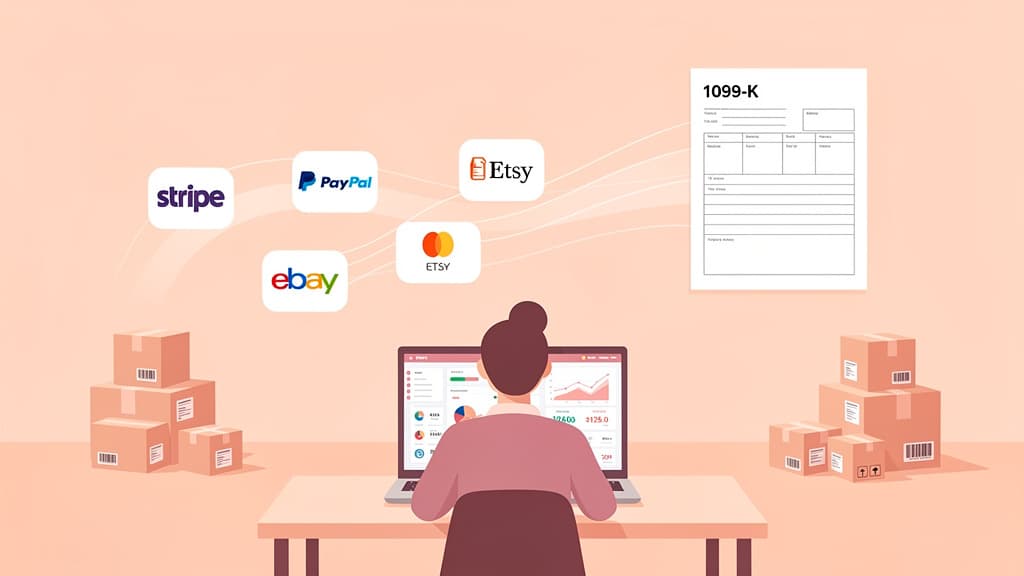
The IRS Form 1099-K threshold for 2026 payment apps is $20,000 in gross payments AND more than 200 transactions, restored permanently by the One Big Beautiful Bill Act (OBBBA) in July 2025. A payment app or online marketplace (PayPal, Venmo, Stripe, Square, Etsy, eBay) must send you Form 1099-K only if you cross both limits in the same calendar year. Card payments processed by a merchant acquirer have no minimum. The $600 threshold created by the American Rescue Plan Act never fully took effect and is now repealed.
Key takeaways:
1099-K vs. 1099-NEC at a glance:
| Form | Issued By | Reports | 2026 Threshold |
|---|---|---|---|
| 1099-K | Payment platforms (PayPal, Stripe, etc.) | Gross payments via third-party networks | $20,000 AND more than 200 transactions |
| 1099-NEC | Clients/businesses directly | Nonemployee compensation | $2,000 |

Form 1099-K, "Payment Card and Third Party Network Transactions," is an information return that payment processors send to both you and the IRS. It reports the gross amount of payments you received through their platform for goods or services during the calendar year.
Two types of payment settlement entities issue 1099-K forms:
For the 2026 tax year (and going forward under OBBBA), a payment app or online marketplace (a third party settlement organization) must file Form 1099-K for you only if both conditions are met:
If you received $25,000 through PayPal but only had 150 transactions, PayPal is not required to send you a 1099-K. Similarly, if you had 300 transactions but total payments were only $15,000, no 1099-K is required. Payment card transactions are different: there is no minimum, so a card processor reports every card sale (IRS FS-2025-08).
Important caveat: Payment processors may voluntarily send 1099-K forms even below the threshold. If you receive one, you still need to account for it on your return, even if the amount is below $20,000.
Understanding the history helps explain why there's been so much confusion:
| Tax Year | Federal 1099-K Threshold | What Happened |
|---|---|---|
| 2021 and earlier | $20,000 AND 200 transactions | Original threshold under IRC §6050W |
| 2022 | Was supposed to be $600 / 1 transaction | IRS delayed; kept $20,000/200 |
| 2023 | Was supposed to be $600 / 1 transaction | IRS delayed again; kept $20,000/200 |
| 2024 | $20,000 AND 200 transactions (retroactively) | IRS had announced a $5,000 phase-in; OBBBA's retroactive change replaced it |
| 2025+ | $20,000 AND 200 transactions | OBBBA repealed the $600 threshold permanently |
The American Rescue Plan Act of 2021 had lowered the threshold to $600 with no transaction minimum, which would have dramatically increased the number of 1099-K forms issued. After multiple delays and a brief phase-in attempt, the OBBBA reversed course entirely.
Form 1099-K comes from the payment platform; Form 1099-NEC comes from the client who hired you. The same dollar of income should appear on only one of them. (If your question is about worker classification rather than forms, see the 1099 vs W-2 guide.)
If a client pays you $5,000 through PayPal, you should receive either a 1099-K from PayPal or a 1099-NEC from the client, not both. In practice, some clients incorrectly issue a 1099-NEC for payments they made through a platform that also issues a 1099-K.
If this happens, you report the income once on Schedule C. On your return, the IRS matching system may flag the discrepancy. To prevent issues:
Report your total business income on Schedule C, Line 1 (Gross receipts or sales). This should include all income from your business, whether or not you received a 1099-K or 1099-NEC for it.
Your 1099-K reports gross payments: the total amount processed through the platform before any fees, refunds, or adjustments. Your actual net income may be lower.
Example:
| Item | Amount | Where it goes |
|---|---|---|
| 1099-K gross amount (Box 1a) | $52,000 | Schedule C, Line 1 |
| Platform fees | $2,600 | Line 10 (Commissions and fees) |
| Refunds processed | $1,400 | Line 2 (Returns and allowances) |
| Actual income received | $48,000 | Result after deductions |
You report the full $52,000 as gross receipts, then deduct the $2,600 in fees and $1,400 in refunds as separate line items on Schedule C.
This is a common problem. If you use PayPal or Venmo for both business and personal transactions, your 1099-K may include personal payments: money from friends splitting dinner, reimbursements, or selling personal items.
How to handle personal transactions:
Example:
| Item | Amount | Where it goes |
|---|---|---|
| 1099-K gross | $25,000 | Split between the two rows below |
| Business payments | $22,000 | Schedule C, Line 1 (Gross receipts) |
| Personal payments (reimbursements, personal sales at a loss) | $3,000 | Entry space at the top of Schedule 1 |
| Net business income subject to SE tax | $22,000 | Before other expenses |
The IRS has specifically addressed this scenario in their Form 1099-K FAQs: personal amounts go in the entry space at the top of Schedule 1, not ignored and not run through Schedule C.
Your total Schedule C income should match all your actual business revenue for the year, regardless of which forms report it. Add up:
Then verify there's no double-counting.
Maya Chen runs a small Etsy shop in Portland, Oregon, selling hand-screened textile prints on the side. She started in mid-2025 and grew enough that Etsy issued her a 1099-K for tax year 2026.
| 1099-K box | Maya's amount |
|---|---|
| Box 1a (gross payments) | $4,800 |
| Box 1b (card-not-present) | $4,800 |
| Box 3 (number of transactions) | 312 |
| Box 4 (federal income tax withheld) | $0 |
Maya's Etsy dashboard shows the same $4,800. That's gross, before Etsy's fees, transaction fees, and shipping costs were deducted from her payouts.
| Item | Amount | Schedule C line |
|---|---|---|
| Gross 1099-K from Etsy | $4,800 | Line 1 (Gross receipts) |
| Cash sales at two craft fairs (no 1099) | $620 | Line 1 (Gross receipts) |
| Total gross receipts | $5,420 | Line 1 |
| Etsy transaction + payment processing fees (6.5%) | $312 | Line 10 (Commissions and fees) |
| Etsy listing + ad fees | $145 | Line 10 (Commissions and fees) |
| Cost of goods sold (fabric, ink, frames) | $890 | Part III → Line 4 |
| Shipping supplies (boxes, mailers, tape) | $215 | Line 22 (Supplies) |
| Postage paid by Maya (separate from buyer-paid shipping) | $190 | Line 27b via Part V (label: "Postage") |
| Craft fair booth fees | $300 | Line 27b via Part V (label: "Booth fees") |
| Mileage to fairs and post office (148 mi at the 72.5-cent first-half 2026 rate) | $107 | Line 9 (Car and truck) |
| Home studio expense (allocated) | $164 | Line 30 (Home office) |
| Total deductions | $2,323 | Lines 4, 28 ($1,269), and 30 |
| Net profit | $3,097 | Line 31 |
Maya's $3,097 net profit flows to:
The key pattern for any marketplace seller: report gross, deduct expenses by category, never net inside Line 1.
While the federal threshold is $20,000/200 transactions, several states maintain lower reporting requirements. This means you may receive a 1099-K for state purposes even if your payments are below the federal threshold.
| State | Threshold | Transaction Minimum |
|---|---|---|
| Rhode Island | $100 | None |
| Massachusetts | $600 | None |
| Maryland | $600 | None |
| Virginia | $600 | None |
| Vermont | $2,000 | None |
| Montana | $600 | None |
| District of Columbia | $600 | None |
| New Jersey | $1,000 | None |
| Illinois | $1,000 | 4+ transactions (both required) |
| Missouri | $1,200 (MO-source; only when a federal 1099-K is already required) | None |
If you live or do business in one of these states, you may receive a 1099-K even for relatively small amounts. The income is still reported the same way on Schedule C. The only difference is you'll have a form documenting the payments.
Not receiving a 1099-K does not mean the income is not taxable. All business income must be reported on your tax return, regardless of whether you receive an information return.
If your total payments through a platform were below $20,000 or you had fewer than 200 transactions, the platform is not required to send a 1099-K. But the income is still reportable on Schedule C.
Check for these common issues:
If the amount is genuinely incorrect, ask the payment platform to issue a corrected Form 1099-K. Do not wait until after filing: corrected forms can take weeks to process. Platforms must furnish recipient copies of 2025 forms by February 2, 2026; the full filing calendar and the penalties platforms and businesses face are in our 1099 filing deadlines and penalties guide.
If you drive for Uber, deliver for DoorDash, or work through multiple gig platforms, you may receive both 1099-K and 1099-NEC forms from different platforms, or even from the same company.
Uber example: Uber may send a 1099-K for ride payments processed through their platform and a separate 1099-NEC for other types of payments like referral bonuses or promotions.
Report each on Schedule C according to the form type, ensuring you don't double-count income that appears on both.
If you sell goods online, your 1099-K reports gross sales, including shipping charges collected. Your deductible expenses include:
Important for casual sellers: If you sold personal items at a loss (like used furniture or clothing), those sales are not business income. If included on your 1099-K, enter them in the Schedule 1 entry space described in the personal transactions section above.
Some crypto exchanges previously issued 1099-K forms for digital asset transactions. Starting with the 2025 tax year, crypto brokers now use the new Form 1099-DA for digital asset reporting instead. If you receive a 1099-K from a crypto platform for 2026 transactions, contact the platform; it may be an error or apply only to non-crypto payment processing.
The IRS receives a copy of every 1099-K. If you don't report the income, their automated matching system will flag the discrepancy and send you a CP2000 notice, often with penalties and interest.
If a client paid you through PayPal and also sent you a 1099-NEC, the same income appears on two forms. Report it once and keep records showing it's the same payment.
Your business income likely includes payments from clients who paid below the reporting threshold or by check/cash. The 1099-K is not your total income; it's just the portion processed through that platform.
If your 1099-K includes personal Venmo payments from friends, enter the personal amount in the entry space at the top of Schedule 1 so your return accounts for the full gross. Don't simply leave it off without explanation.
Your 1099-K shows gross payments before fees. The platform fees (Stripe's 2.9%, PayPal's processing fees, Etsy listing fees) are deductible business expenses on Schedule C.
The $20,000/200-transaction threshold only determines whether the platform must file the form. All business income is taxable regardless of 1099-K issuance.
Jupid is an AI accountant that lives in WhatsApp and iMessage. Connect your bank accounts and Jupid categorizes every incoming payment with 95.9% accuracy, separating business income from personal transfers automatically, so the personal Venmo payments buried in a 1099-K are flagged long before you file. Ask "does my Stripe income match my 1099-K?" in chat and get an answer built from your actual transactions in real time. Gross receipts, platform fees, and refunds stay reconciled by Schedule C line all year instead of being reconstructed in April.
| Item | 2026 Amount |
|---|---|
| 1099-K threshold (gross payments) | $20,000 |
| 1099-K threshold (transactions) | More than 200 |
| 1099-NEC threshold | $2,000 |
| Both 1099-K conditions required | Yes (AND) |
| SE tax rate | 15.3% |
| Standard deduction (single) | $16,100 (Rev. Proc. 2025-32) |
Form 1099-K is a reporting form: it tells the IRS how much a payment platform processed on your behalf. It's not a bill, and it's not necessarily an accurate reflection of your taxable business income. The gross amount may include personal transactions, refunds, and fees that reduce your actual income.
Three things to remember:
If you're receiving payments through multiple platforms, keep business and personal transactions separate, track income throughout the year, and reconcile everything before filing. A few hours of record-keeping saves days of dealing with IRS notices. And if you also pay contractors or employees yourself, the employer side of the calendar is in the W-2 and 1099 employer filing deadlines guide.
If you're using Claude, ChatGPT, or another AI agent to reconcile a 1099-K against your books, separate personal Venmo payments from business income, or map gross receipts and platform fees to the right Schedule C lines, we've published an open-source skill that gives the agent exact instructions, decision trees for personal-vs-business classification, hobby-vs-business tests, and worked examples for Etsy sellers, Venmo personal payments, and Airbnb hosts.
→ jupid-tax/jupid-skills on GitHub — forms/form-1099-k/SKILL.md
For Claude Code: cp -r jupid-skills/forms/form-1099-k ~/.claude/skills/. For the Anthropic SDK, load SKILL.md into the system prompt and the references/ files on demand. For browser-automation runtimes, filing.md covers reconciling the 1099-K to Schedule C / Schedule 1 / Form 1040.
Disclaimer
This article provides general information about Form 1099-K and should not be considered tax advice. Reporting thresholds, state requirements, and platform policies are subject to change. Your actual tax obligation depends on your total income, deductible expenses, filing status, and other factors. For advice specific to your situation, consult with a qualified tax professional.
Tax Year: 2026 Last Updated: July 29, 2026

CEO & Co-Founder
Fintech CEO with 10+ years building accounting and financial technology products. Previously co-founded and scaled an AI-powered accounting platform to $30M revenue and 100K+ business users, achieving 30,000 customers per accountant through automation — recognized by CNBC as a top fintech company. Holds a Master's in Management Information Systems. At Jupid, he leads the development of AI-native bookkeeping, tax, and compliance tools designed for freelancers and small business owners.
Does Cash App report to the IRS in 2026? The 1099-K threshold, Cash App Taxes free filing, Bitcoin reporting, and what counts as taxable income — explained.
2026 standard deduction amounts: $16,100 single, $32,200 MFJ, $24,150 HOH. Learn who qualifies, who cannot claim it, and how it works with Schedule C.
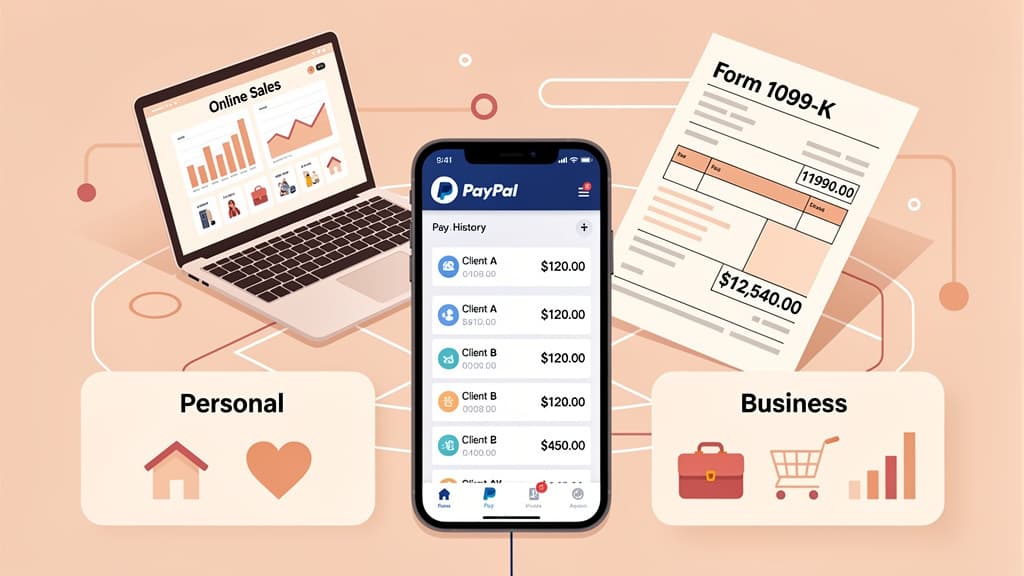
PayPal 1099-K rules for 2026 explained: $20K/200 transaction threshold, goods & services vs friends/family, Venmo rules, and Schedule C reporting steps.
Set up in minutes. Cancel anytime.
Join 1,000+ businesses using Jupid to save time and money. Start simplifying your finances today.
30-day money-back guarantee