Published: June 30, 2026
I'm Slava, founder of Jupid. Before this I built Anna Money, where we worked with more than 60,000 small businesses and grew the company to $40M ARR. I'm also a technical founder, which means I don't just read about running models — I run them on my own machines, and I've watched what local AI can and can't do up close.
Lately I get a version of the same question from accountants almost every week: "Can I run AI on my own hardware so my clients' financial data never leaves the building?" The short answer is yes. The honest answer is that it's more involved than the tutorials make it sound, and for a lot of firms it's the wrong place to start.
This is the clear-eyed version. I'll walk through what a local LLM actually is, the tools that make it approachable in 2026 (Ollama, LM Studio, llama.cpp, and the rest), which open models are good enough for accounting text work, what hardware you really need, and the accuracy problem you can't talk your way around. Then I'll be straight about when rolling your own makes sense and when a vendor-managed private AI is the better path.
Here's what we'll cover:
- What "local" and "self-hosted" actually mean for a firm
- The main tools, and which one fits which person
- Open models that handle finance text tasks in 2026
- Realistic hardware tiers and rough budgets
- Why you can never trust a local model's arithmetic
- How local inference helps with IRC §7216 and client confidentiality
- DIY versus done-for-you private AI — the honest tradeoffs

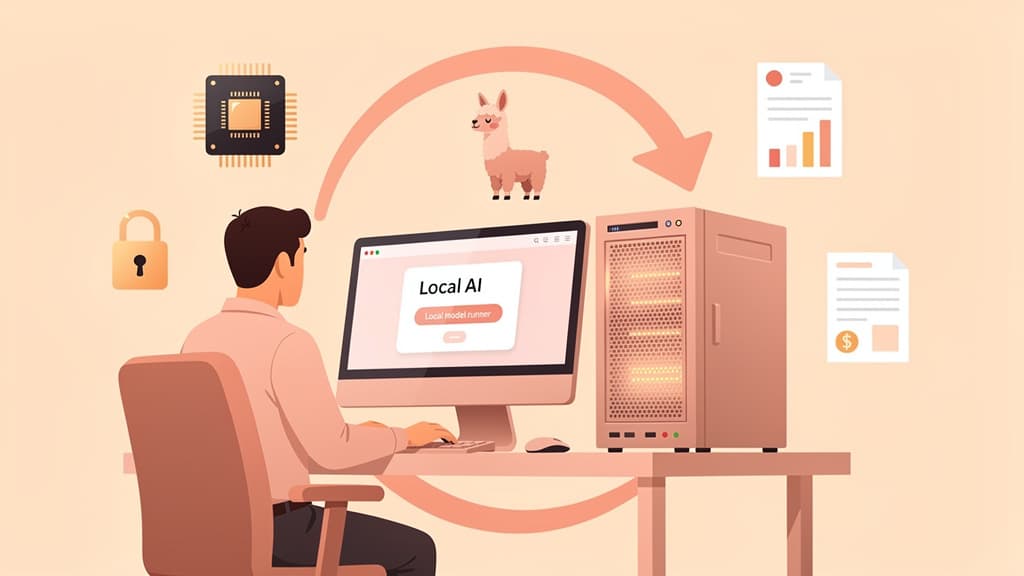
A local LLM is a language model whose weights live on a computer you control. It reads your prompt, generates an answer, and never sends a byte to an outside server — the same kind of model that powers a cloud chatbot, running on your own GPU or Mac.
One distinction matters before you spend any money. "Local" means on-device inference: the weights sit on your machine and the data stays there. "Self-hosted" is broader — it can mean running the model on a cloud VM you rent. Both keep your data off third-party AI APIs, but the privacy argument is strongest when the hardware is physically yours, as SitePoint's 2026 local-LLM guide puts it.
Accountants care about this more than almost any other profession. You hold bank statements, payroll files, W-2s, prior-year returns, and the kind of client detail that makes a data breach a career event. The most uncomfortable question in any data protection review is "where does the data go?" When the model runs on hardware you own, the answer is one word: nowhere. No third-party sub-processor, no cross-border transfer, no vendor terms of service to re-read every quarter.
That single property — data that never leaves — is the whole reason local AI is worth a serious look for a firm. Everything else in this guide is about whether the tradeoffs are worth it for you specifically.
The tooling is the part that's matured fastest. What took deep systems knowledge two years ago is now a short install.
Ollama is the one most people start with — often described as "the Docker of local LLMs." Per early-2026 coverage it had passed 100,000 GitHub stars. You install it with one command on Windows, macOS, or Linux, pull a model by name the way you'd pull a container image, and run it. It exposes an OpenAI-compatible API on localhost:11434, so code written for a cloud endpoint often works against your local machine with a one-line change. For a developer or a technically comfortable owner, it's the fastest path from nothing to a working private model.
LM Studio is the choice for people who don't want a terminal. It's a polished desktop app with drag-and-drop model discovery, a built-in chat window, and a local server mode that hands you an API without any command line. It's closed-source and free for personal use; check current terms for commercial use. If a non-technical staff member needs to try a model, this is where to point them.
llama.cpp (and its bundled llama-server) is the performance engine sitting underneath much of this ecosystem. It defined the GGUF quantized-model format that has become the standard way to distribute models small enough to run at home. You won't always touch it directly, but it's doing the heavy lifting.
A few others are worth knowing. Jan is a fully open-source, offline ChatGPT-style desktop app for people who want auditable tooling. GPT4All and text-generation-webui round out the desktop and tinkerer options. And vLLM is the production-grade serving engine you'd reach for when a whole team needs to hit one model at once — higher throughput, more setup, Linux and CUDA territory.
| Tool | Best for | Interface | Notes |
|---|
| Ollama | Fastest path to a private API | Command line + REST API | OpenAI-compatible, cross-platform, very popular |
| LM Studio | Non-technical users | Desktop GUI | Polished, closed-source, free for personal use |
| llama.cpp / llama-server | Performance and control | Command line | The GGUF engine under many setups |
| Jan | Open-source advocates | Desktop GUI | Auditable, offline, extensible |
| vLLM | Serving a whole team | Server (Linux/CUDA) | High throughput, more setup, not a desktop tool |
For most firms experimenting on one machine, the practical answer is Ollama for anyone comfortable with a terminal and LM Studio for everyone else.
The open-model field moves fast, so treat any "best model" claim with a short shelf life. As of mid-2026 the families you'll see recommended for finance and accounting text work are Llama, Qwen, Mistral, DeepSeek, and OpenAI's open-weight gpt-oss. Onyx's open-source LLM leaderboard, last updated March 2026, shows newer entrants like GLM-5 and Kimi K2.5 sitting near the top across reasoning, coding, and math benchmarks, with Qwen and DeepSeek variants close behind.
For a firm, the headline isn't which model wins a benchmark this month. It's that several open families are now genuinely good enough for the text work accountants actually hand to AI.
The thing that makes them runnable at home is quantization. Storing a model's weights at lower precision shrinks it dramatically — 4-bit quantization (the Q4_K_M setting is the common sweet spot) cuts memory to roughly a quarter of full precision while keeping most of the quality. That's what lets a capable mid-size model fit on a single consumer GPU or a Mac with enough unified memory, instead of a rack of server cards.
Where these models earn their keep: summarizing long documents, drafting client emails and memos, pulling structured fields out of statements, and tidying messy data — especially when you pair the model with a document parser and retrieval over your own files rather than asking it to work from memory. The r/LocalLLaMA community's consensus for finance is exactly this: build a pipeline (parser plus retrieval plus model), don't lean on the model alone. Vitalik Buterin's April 2026 writeup of his own local, privacy-first setup lands in the same neighborhood — he runs an open Qwen-class model locally, favors a llama-server-style stack over heavier options for fitting larger models, and treats privacy and practical speed as the goals worth engineering around.
For local inference, one spec dominates: VRAM, the memory on your GPU (or unified memory on a Mac). The model weights have to fit in it to run fast. Everything else — CPU, system RAM, disk — matters far less.
Macs with Apple Silicon are a strong value here because their unified memory is shared between CPU and GPU, so a machine with a lot of RAM can hold a large quantized model without a discrete graphics card. Consumer NVIDIA cards work well for small and mid-size models. Bigger models need a high-end card, a workstation GPU, or several cards together.
Here are rough tiers, with budgets drawn from SitePoint's 2026 hardware matrix. Treat the dollar figures as ballparks, not quotes — prices move.
| Tier | Rough budget | Example hardware | What it runs (4-bit) | Feel |
|---|
| Entry | ~$500–$1K | Used RTX 3090 (24GB) | Small to mid models (around 30B) | Usable, a bit slow |
| Mid | ~$1.5K–$3K | RTX 4090 (24GB) or RTX 5090 (32GB) | Up to ~70B quantized (tight) | Comfortably responsive |
| Pro | ~$5K+ | Workstation GPU (96GB) or multiple cards | 70B and larger, or serving a team | Fast |
| Mac | varies | M-series Mac, 64–128GB unified memory | Up to ~70B quantized | Quiet, power-efficient, slower throughput |
For interactive use, anything above roughly 15 tokens per second feels responsive, and above 30 is hard to tell from a cloud API — a single mid-tier card or a well-specced Mac clears that bar for the model sizes a firm would realistically use. The catch is that the bigger and more capable the model, the more memory and money it takes to run it well — and the gap between a local mid-size model and a frontier cloud model is real, which brings us to the part you can't skip.
This is the section to read twice if you're an accountant.
Local models hallucinate. Smaller ones hallucinate more, and every open model you can run at home is weaker than the frontier cloud models (the GPT and Claude-class systems) on hard reasoning. The most dangerous failure for our work is numbers. A 2026 finance hallucination benchmark from JurisTech found that even strong models will fabricate ratios, figures, and details when the input data is incomplete or ambiguous — they optimize for a coherent-sounding answer over a correct one. A model will hand you a confident, well-formatted total that is simply wrong.
So the rule is blunt: never trust a model's arithmetic. Not a local one, not a cloud one. If a number matters, it gets computed by something deterministic — a spreadsheet, accounting software, a calculator — or checked by a human against the source document. The model can read a statement, summarize it, and draft the memo around it. The model does not get to be the ledger.
This matters more in accounting than almost anywhere, because a fabricated figure doesn't announce itself. It looks exactly like a real one. The mitigations are well understood: keep a human in the loop, work from source documents rather than the model's memory, use retrieval and parsers so the model is quoting your data instead of inventing it, and tell the model in plain terms not to guess at numbers. Used that way, a local model is a fast drafting and reading assistant. Used as a calculator, it's a liability.
Here's the payoff that makes the effort worth considering. When the model runs on your hardware, the client's tax return information never travels to a third party. There's no outside AI vendor receiving the data, because there's no outside vendor in the loop at all.
That maps directly onto IRC §7216, the federal rule that restricts how tax return preparers may disclose or use a client's return information. Sending that information to an external AI service is a disclosure question you have to reason about carefully — what's consented to, what's permitted, what's documented. Running the model locally sidesteps the disclosure entirely, because nothing leaves your control. The same logic covers your broader confidentiality obligations and client trust.
I want to be careful here: local inference removes the third-party disclosure, but it doesn't remove your other duties. Your machines still need to be secured, access controlled, and logs handled responsibly. §7216 outcomes are fact-specific. For the full picture on consent rules and using AI on client data, see Can accountants use ChatGPT? IRS §7216 and confidentiality.
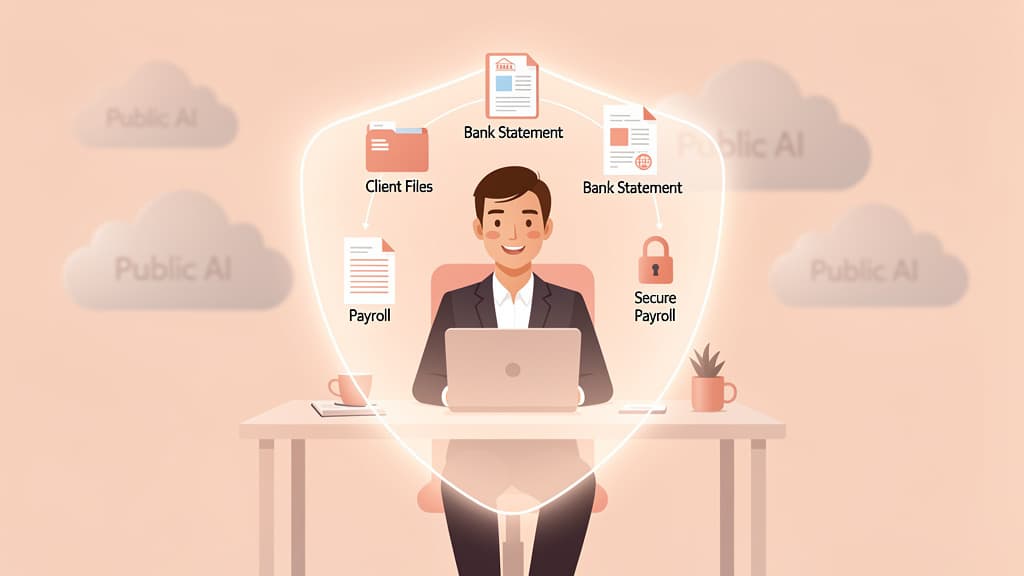
The privacy outcome — client data that never reaches an outside AI — can be reached two ways. You can run your own local stack, or you can use a vendor-managed private AI that's built to deliver the same outcome without you owning the infrastructure. Both are legitimate. They suit different firms.
Running your own has real upside: total control, no per-token bill, and the cleanest possible answer to "where does the data go?" But the costs are just as real, and they're easy to underestimate before you've lived with them:
- Setup and maintenance. Someone has to install, configure, update, and babysit the stack. Models get superseded constantly; staying current is ongoing work, not a one-time project.
- Security is now your job. Quantized model files are binary blobs — only pull them from verified publishers. And by default these tools ship without authentication, so exposing one to your network without a properly secured proxy is a mistake. The privacy you bought by going local can leak right back out through a sloppy deployment.
- No vendor support. When something breaks at 11 p.m. in March, you own it.
- Weaker quality. The model you can run is meaningfully behind the frontier, which raises the stakes on the accuracy discipline above.
DIY makes sense when you have a technically capable owner who enjoys this work, the time to maintain it, and relatively contained needs. For most firms — the ones that want the privacy outcome without becoming part-time AI system administrators — a vendor-managed private AI is the better trade. For how a managed private AI compares to a general office assistant, see Microsoft Copilot vs. private AI for accountants, and for the full picture read Private AI for accountants: the complete 2026 guide.
Trusting the model's math. The single biggest error. A local model will produce a wrong number as confidently as a right one. Numbers get computed or verified, never taken on faith.
Treating "local" as automatically secure. Local inference removes the third-party API, but an unauthenticated endpoint or a model file from an unvetted source reopens the risk. Local is a starting point, not a finished security posture.
Underestimating maintenance. The install is the easy day. Updates, model swaps, and troubleshooting are the recurring cost most firms forget to budget for.
Buying hardware before testing the workflow. Try the actual tasks on a modest setup first. Plenty of firms over-buy a GPU for a workload a mid-tier card would have handled.
Skipping retrieval and parsers. Asking a model to recall figures from memory invites hallucination. Feed it your documents through a parser and let it quote, not guess.
Assuming DIY is the only private option. The goal is "client data never leaves." Running your own GPUs is one way to get there; a managed private AI is another, and for most firms it's less work for the same result.
If the privacy outcome is what you're after but you don't want to run your own GPUs and babysit models, this is the done-for-you path to the same result.
Jupid Private AI is a private AI workspace for accounting firms that works directly with client records — bookkeeping, tax prep, payroll, and CAS — without sending invoices, tax documents, payroll files, or client emails to Copilot, ChatGPT, Claude, Gemini, or any outside AI system. That's the same confidentiality principle as a local setup: the client's information isn't handed to a third-party model.
It builds a per-client "private context window," so the AI is working from that client's actual records rather than guessing. It turns statements, invoices, payroll reports, and prior filings into client-ready working notes. It matches records to the books. And it drafts personalized client follow-ups in your firm's tone, so the writing sounds like you instead of a generic assistant.
Jupid Private AI is in Beta, and I'd rather set expectations honestly than oversell it. What I can say is that it's aimed squarely at firms that want the privacy of local AI without the GPUs, the maintenance windows, and the late-night troubleshooting. If running your own stack sounds like more than you signed up for, this is the alternative built to reach the same place.
See how it works for your firm: Jupid Private AI for accountants.
This guide is for general educational purposes and does not constitute legal, tax, or IT advice. Verify any model or tool's capabilities yourself before relying on it with client data — features, performance, and licensing change quickly. IRC §7216 outcomes depend on your specific facts and the consents you obtain. Consult qualified counsel and a tax professional about your firm's confidentiality obligations before adopting any AI workflow.
Tax Year: 2026
Last Updated: June 30, 2026