Published: June 29, 2026
I'm Slava, founder of Jupid. Before this, I built Anna Money, where we worked with more than 60,000 small businesses and grew to $40M ARR. So I've spent years watching what happens when financial data, software, and busy people meet. The pattern I see in accounting firms right now is a strange one: everybody wants AI, and almost nobody trusts it with the data that actually matters.
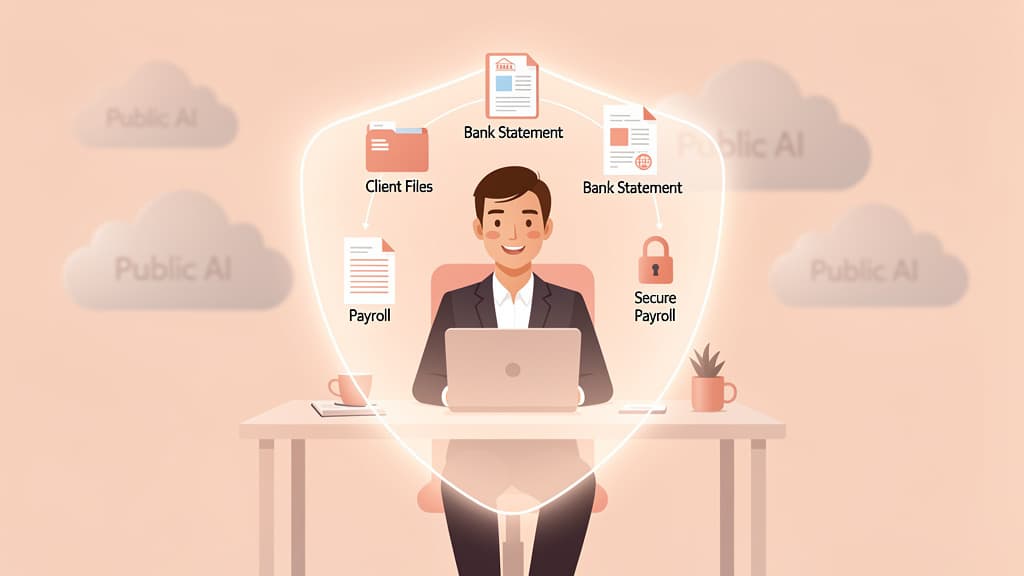
The reason is simple. The data a firm holds is some of the most sensitive there is — tax returns, payroll, bank statements, the full picture of a client's finances. Pasting any of that into a public chatbot is exactly the move every partner is afraid of. So firms end up stuck. They use AI for email and brainstorming, then switch it off the moment real client records are involved.
That gap is the whole reason "private AI" exists as a category. It's not a smarter model. It's a different way of running the same technology — inside a controlled, isolated environment where client data stays put and is never used to train someone else's model. The promise is narrow and honest: keep the productivity, drop the exposure.
I'm building Jupid because this problem is solvable, and because the firms that solve it first will pull ahead. This guide is the map. I'll define what private AI actually means (and how it differs from "local AI"), why 2026 is the year it stopped being optional, what it does across your service lines, how the deployment options trade off, and what's real in the market today. Where there's a deeper rabbit hole, I'll link to a focused piece instead of repeating it here.

These three terms get used interchangeably, and that's where firms get confused. They describe different things.
Public AI is the consumer and enterprise tooling most people already touch: ChatGPT, Microsoft Copilot, Claude, Gemini. The model is shared infrastructure serving millions of users. What happens to your input depends entirely on the vendor's terms and your settings — and when someone pastes a client's return into a general-purpose chatbot, that data has left your firm's environment, full stop.
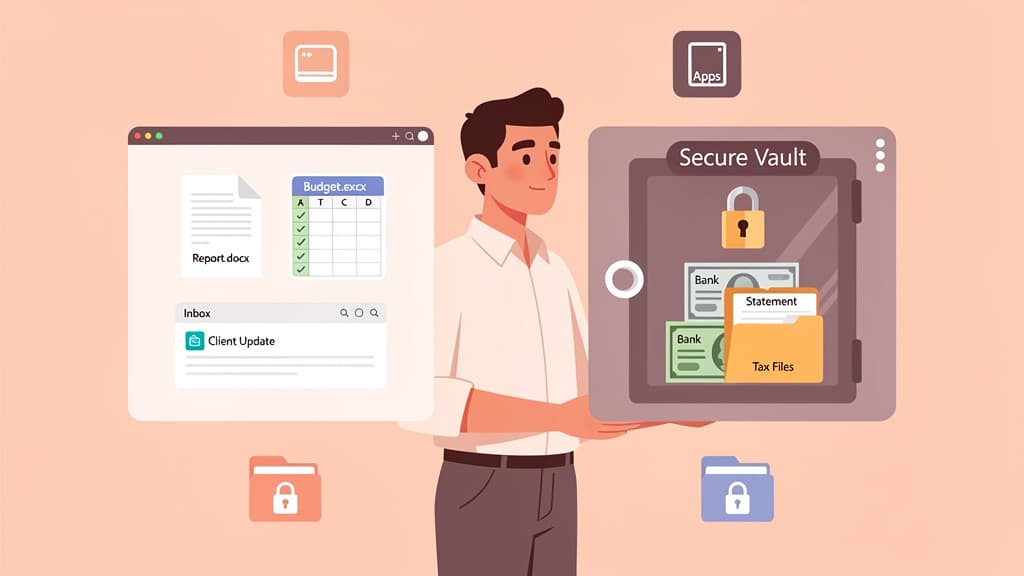
Private AI runs the same kind of model inside a controlled, isolated instance. The data stays within a defined, auditable boundary and is never used to train an external model or shared with other customers. SmartVault, which builds tax-intake AI for firms, frames it cleanly: "A private AI model runs in a controlled, isolated environment. Your data never touches shared servers or contributes to model training. Everything stays within a defined, auditable boundary that belongs to the vendor — not a public system accessible to other organizations." The emphasis is on isolation, security controls, and auditability — not on where the hardware physically sits.
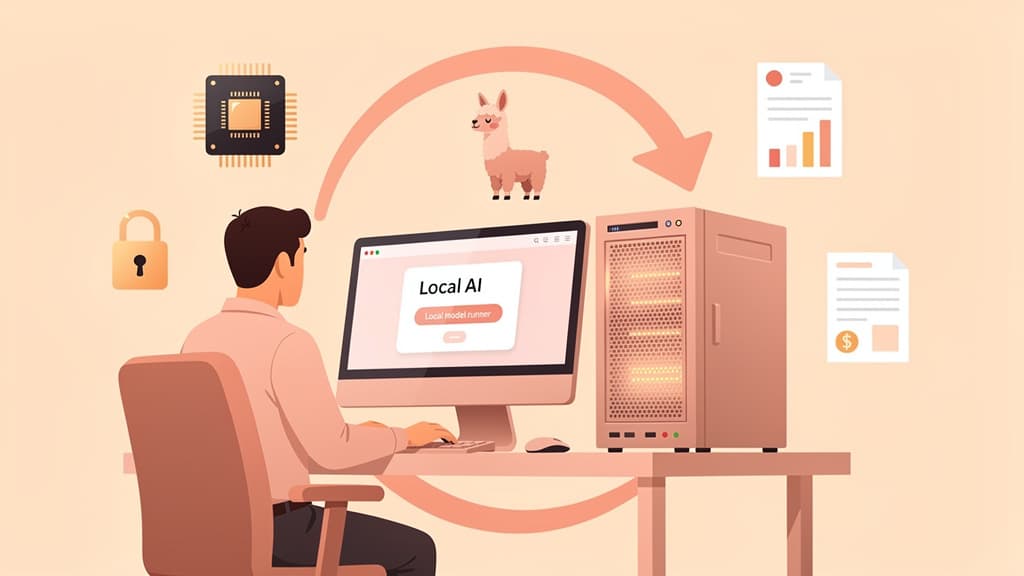
Local AI (also called on-prem or self-hosted) goes one step further: the model runs entirely on hardware the firm owns and controls, often with open-weight models. Data never leaves the building or the firm's own network. It's the maximum-control option, and it carries the most setup and maintenance. Our companion piece on running a local LLM for accounting covers the hardware, the open-weight models, and the real cost of going fully self-hosted.
A useful way to hold it: public AI is a conversation in a crowded coffee shop, private AI is a private office, and local AI is a soundproof room in your own building. Many firms blend them — a written policy that bans client data in public tools, a vendor "private" instance for everyday work, and full local deployment reserved for the most sensitive engagements.
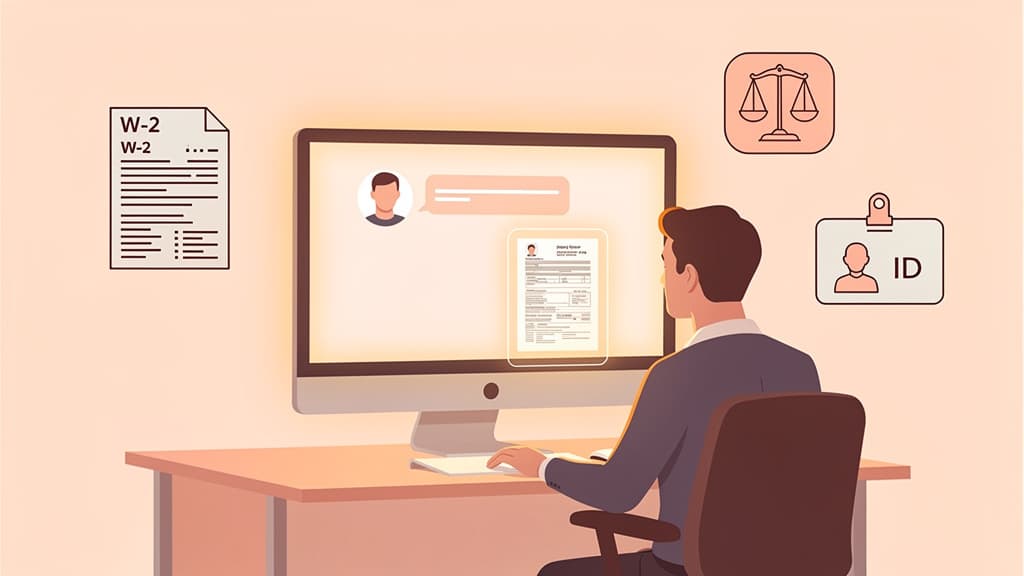
The compliance backdrop is the part most owners feel in their gut. U.S. tax law already restricts how a paid preparer can use and disclose client tax information. IRC §7216 makes the unauthorized disclosure or use of tax return information by a preparer a criminal matter, and there's case law that tests where those lines fall. I won't relitigate it here — our deep dive on whether accountants can use ChatGPT under IRS §7216 and client confidentiality walks through the statute and the relevant case law, including United States v. Heppner. The short version: feeding client tax data into a public model isn't just a vibe risk, it can be a regulatory one.
Beyond the statute, three pressures are converging.
Client trust and data residency. Clients increasingly ask where their data goes and who can see it. "It went to a chatbot somewhere" is not an answer that survives a single uncomfortable question.
Shadow AI. This is the quiet emergency. Thomson Reuters' 2026 Future of Professionals report, based on a global survey of 1,800 professionals, found that 74% already use AI tools every week — but a third of lawyers, accountants, and compliance professionals are using AI their organization hasn't approved, rising to 41% where the firm is seen as moving too slowly. When the firm doesn't provide a sanctioned tool, staff bring their own, and the data goes where you can't see it.
The standards bar is rising. In that same study, 96% of professionals said their AI must safeguard confidential data, 94% required verified authoritative content, and 90% needed outputs they can explain and defend — yet 41% said they lack access to professional-grade tools that meet those standards. The report's framing is blunt: "The technology is ready. The gap is in execution, and the benchmark is now accountability."
The skepticism, for the record, is well-earned. SmartVault, citing AccountingWEB research, notes that 71% of accountants already use tools like ChatGPT, while 62% call data security the single biggest barrier to going further. Accounting Today found 83% of accountants are concerned about AI exposing client data. Caution is the correct instinct. Private AI is what lets a firm act on the productivity without ignoring the caution.
Private AI isn't one feature. It's the same secure environment applied to the work your firm already does.
Bookkeeping. Categorization models learn from a client's transaction history to suggest GL codes, flag anomalies, and propose reconciliations — cutting the manual grind of month-end while keeping the records consistent. A human still reviews and approves; the AI just removes the keystrokes.
Tax prep. Reading a prior-year return to generate a client-specific organizer, sorting incoming documents to the right folders, drafting prep-ready workpapers, and answering research questions against authoritative content. This is the work most exposed to §7216, which is exactly why it belongs in a private instance rather than a public chatbot.
Payroll. Payroll files are dense with names, pay rates, and identifiers — high-sensitivity data that should never leave a controlled boundary. Private AI can summarize payroll reports, surface discrepancies, and answer client questions without that data touching a shared model.
Client advisory services (CAS). This is where the leverage is. Private AI can turn a month of numbers into a draft variance narrative, build KPI highlights, and prepare client-ready commentary that your team edits rather than writes from scratch — letting advisors spend their time on the advice, not the typing.
Across all four, the constant is human oversight plus a data boundary. The AI drafts and suggests; the professional verifies and signs.
Once a firm decides it wants private AI, the next fork is where it runs. Both keep client data out of public models. They trade off on control, cost, and effort.
| Factor | Private cloud (vendor-hosted instance) | On-prem / local (self-hosted) |
|---|
| Where data lives | Isolated instance in the vendor's infrastructure | Entirely on hardware the firm owns |
| Setup effort | Low — sign in and configure | High — hardware, models, maintenance |
| Upfront cost | Subscription, minimal capital | Hardware plus ongoing IT time |
| Maintenance | Vendor handles updates and uptime | Firm's responsibility |
| Max control / air-gap | Strong isolation, vendor-defined boundary | Highest; can run fully offline |
| Best fit | Most firms; fast path to sanctioned AI | Highest-sensitivity work, firms with IT depth |
For most firms, a vendor-hosted private instance is the practical starting point: it delivers the isolation and auditability without standing up a server room. Local deployment makes sense for the most sensitive engagements or firms that already run their own infrastructure. The full breakdown of models, hardware, and cost lives in our local LLM for accounting guide.
A related question worth settling early is how a general productivity assistant like Microsoft Copilot fits next to a true private instance. We compare them directly in Microsoft Copilot vs. private AI for accountants.
The category is real, and several vendors are shipping. Naming a few, honestly and neutrally:
SmartVault (SmartRequestAI). A tax-intake tool that reads a client's prior-year return to generate a personalized organizer and prep-ready workpapers. SmartVault states it "does that work on private AI models hosted within SmartVault's own infrastructure," that "your data doesn't move to an external large language model," and that it's "never used to train or improve the model." The platform is SOC 2 Type 2 compliant.
Rightworks Spark AI. Positioned as "secure AI built for accounting," it runs inside Rightworks' hosted environment. The product page describes "a secure, isolated environment" where "prompts, documents, and conversations are never shared with unauthorized third-party providers," and it's bundled with a Rightworks cloud subscription.
Fathom (Commentary Writer). An AI reporting tool that drafts financial commentary for client management reports, with every paragraph source-linked back to the underlying metrics. Fathom states the Commentary Writer "runs on Access Evo using OpenAI models in a private Microsoft (Azure) environment, so customer data stays within that infrastructure and isn't used to train models." It's a good example of the dominant private-AI pattern: a frontier model, run inside a private cloud boundary.
Karbon (Karbon AI). Practice-management AI for email summaries, drafting, and client summaries, "powered by Azure OpenAI with data retained within Karbon" and firm-level admin controls.
The through-line across the serious products is consistent: capable models, run in an isolated instance, with a documented promise that client data won't train an external model. That promise — not the model's raw intelligence — is what makes a tool fit for an accounting firm.
When you evaluate a private-AI tool, the marketing will all sound similar. These are the questions that separate real isolation from a security-themed paint job:
- No training on your data. Get it in writing that client prompts, documents, and outputs are never used to train or improve any external model.
- Data residency and auditability. Know where the data physically lives and confirm you can produce an audit trail of what the AI did. Ask specifically about SOC 2 Type 2 — it's an independent audit, not a self-assessment.
- Per-client isolation. For a multi-client firm, one client's data must never bleed into another's context. Confirm entity scoping and access controls.
- Works with non-M365 client data. Many client records live outside Microsoft 365 — in bank feeds, QuickBooks, Xero, payroll systems, PDFs. A tool that only reasons over your Office files won't touch the work that matters.
- §7216 posture. Ask the vendor directly how their handling of tax return information lines up with preparer-confidentiality rules.
- Setup model. Self-serve, or done-for-you? A tool you never fully configure is a tool whose security settings you never fully understand.
Most of the productivity tools above are excellent at general work — drafting, summarizing, reporting. The gap I keep seeing is the actual client-data layer: the invoices, statements, payroll files, prior filings, and client emails that make up a real engagement. That's what Jupid Private AI is for.
Jupid Private AI is a private AI workspace for accounting firms that works with client records — bookkeeping, tax prep, payroll, and CAS — without sending invoices, tax documents, payroll files, or client emails to Copilot, ChatGPT, Claude, Gemini, or any outside AI system. It builds a per-client "private context window," so it remembers what each client sent, what's still missing, and what was already answered. It turns statements, invoices, payroll reports, and prior filings into client-ready working notes; matches records to the books; and drafts personalized client follow-ups in your firm's tone.
I want to be straight about the positioning, because over-claiming would defeat the point. Jupid is a complement to the tools you already have, not a replacement for them — use Copilot or ChatGPT for general productivity, and Jupid for the real client-data work that can't go into a public model. It's a new Beta offer, and it's set up done-for-you, white-glove, so your firm isn't left guessing at configuration.
If your firm wants the productivity of AI on the data that actually matters — without the exposure — see Jupid Private AI for accountants. You can also browse the broader Jupid features for context on how we approach financial data.
This guide is for general educational purposes and does not constitute legal, tax, or accounting advice. IRC §7216 outcomes and client-confidentiality questions are fact-specific and the rules around AI use are still developing. Consult qualified counsel or a tax professional before adopting any AI tool for client data, and review each vendor's current security and data-handling terms directly.
Tax Year: 2026
Last Updated: June 29, 2026